
Essential in 30 seconds
Building your first B2B lead generation system without a brand or pre-built list is a prioritisation problem, not a volume problem. Instead of buying contacts or spamming strangers, you need to identify a small number of high-fit accounts based on possible signals (job changes, funding rounds, product launches) and craft targeted outreach that shows you understand their situation. Manual research works, but it scales poorly. A tool like Ember can automate research, scoring, and next-step recommendations, letting you focus on the conversations that matter.
To place this decision in context, the Knowledge guides for sales brings together deeper guidance on the same field.
Why this situation is different
Starting from zero brand recognition and zero existing contacts changes the game. You may still seek introductions and referrals while testing direct outreach. Every outreach is cold, and trust is absent. The common advice, build a large list, blast email sequences, ignores the fact that without a known brand, generic outreach is easy to ignore. You need to earn attention by demonstrating relevance. That means finding the right people at the right moments, and that requires signal intelligence, not bulk data.
Diagnostic
Before building a system, assess where you are:
- Do you have a clear ideal customer profile? Not just industry and company size, but the specific role, pain point, and decision trigger that makes them ready to buy.
- Can you identify buying signals? Examples: a newly hired VP of Sales, a company that just raised a Series A, a product launch targeting a space you serve.
- Is your team able to spend time on research? Manual discovery takes real time per account. As a purely hypothetical example, if researching one account took you around forty-five minutes, a list of one hundred targets would represent weeks of effort before the first message goes out.
- Do you have a way to prioritise? Without a scoring method, every lead looks equal.
If you answered "no" to any of these, you need to invest in structuring your approach before buying a tool or list.
The three-phase method
- Define and discover: Sharpen your ICP and list the types of signals that indicate a fit. Then find accounts showing those signals.
- Score and prioritise: For each account, assess fit (how closely they match your ICP) and intent (strength of the signal). Rank them.
- Act and learn: Reach out with a personalised message tied to the signal. Track responses and refine your criteria based on what works.
Detailed steps
Phase 1: Define and discover
- Document your ICP: industry, company size, revenue, technology stack (if relevant), and the specific role you target.
- Make a list of 5-10 signal sources: LinkedIn job changes, Crunchbase funding announcements, press releases about new offices or executive hires, conference speaker lists.
- Manually search for 20 accounts that match your ICP and show at least one signal. This builds your initial observation set.
Phase 2: Score and prioritise
- Create a simple scoring matrix: give points for ICP match (for example, more points when company size sits in your sweet spot), and points for signal strength (a recent Series A weighing more than a single new hire).
- Use a spreadsheet to rank accounts. Focus on the top 5-10 for outreach this week.
Phase 3: Act and learn
- Draft a personalised email or LinkedIn message referencing the specific signal ("Noticed you just hired a Director of Sales, we help teams like yours accelerate ramp time").
- Send and track responses. After 10-15 attempts, analyse which signals led to replies and adjust your ICP or signal definitions.
The method works, but it is labour-intensive. With Ember's Lead Intelligence, you can automate signal detection, scoring, and next-action recommendations, so your time goes into the conversations themselves rather than into manual research.
Scripts and tables
Example outreach email (cold without brand):
Subject: Quick question about your new role
Hi [First Name]
I saw that you recently took over as Head of Growth at [Company Name], congratulations. When teams like yours are scaling, one challenge is prioritising which leads to pursue first.
We help growth teams answer exactly that: "Who should I contact, why now, and with what message?"
Would you be open to a 10-minute chat to compare notes? No pitch, just a conversation.
Best [Your Name]
Signal scoring table example:
Action plan
- Week 1: Finalise your ICP and list of signal sources. Define scoring criteria.
- Week 2: Find 20 high-signal accounts manually. Score and rank them.
- Week 3: Send 5 personalised outreaches. Note responses by signal type.
- Week 4: Analyse results. Refine ICP and signals. Consider a tool like Ember if manual research becomes a bottleneck.
Metrics
Track these from day one:
- Reply rate: Percentage of outreaches that get a response. Without an established brand, expect modest rates at first; the goal is steady improvement by refining signals and messaging.
- Meeting rate: Percentage that convert to a conversation.
- Signal-to-reply correlation: Which signals yield the highest reply rates? Adjust your scoring accordingly.
- Time per priority account: Hours spent researching versus results obtained. If research keeps swallowing entire afternoons, consider automation.
- Pipeline generated: Deals from initial outreach within 60 days.
Note: Without a brand, expect a lower reply rate than established competitors. Focus on relevance, not volume.
What Ember describes
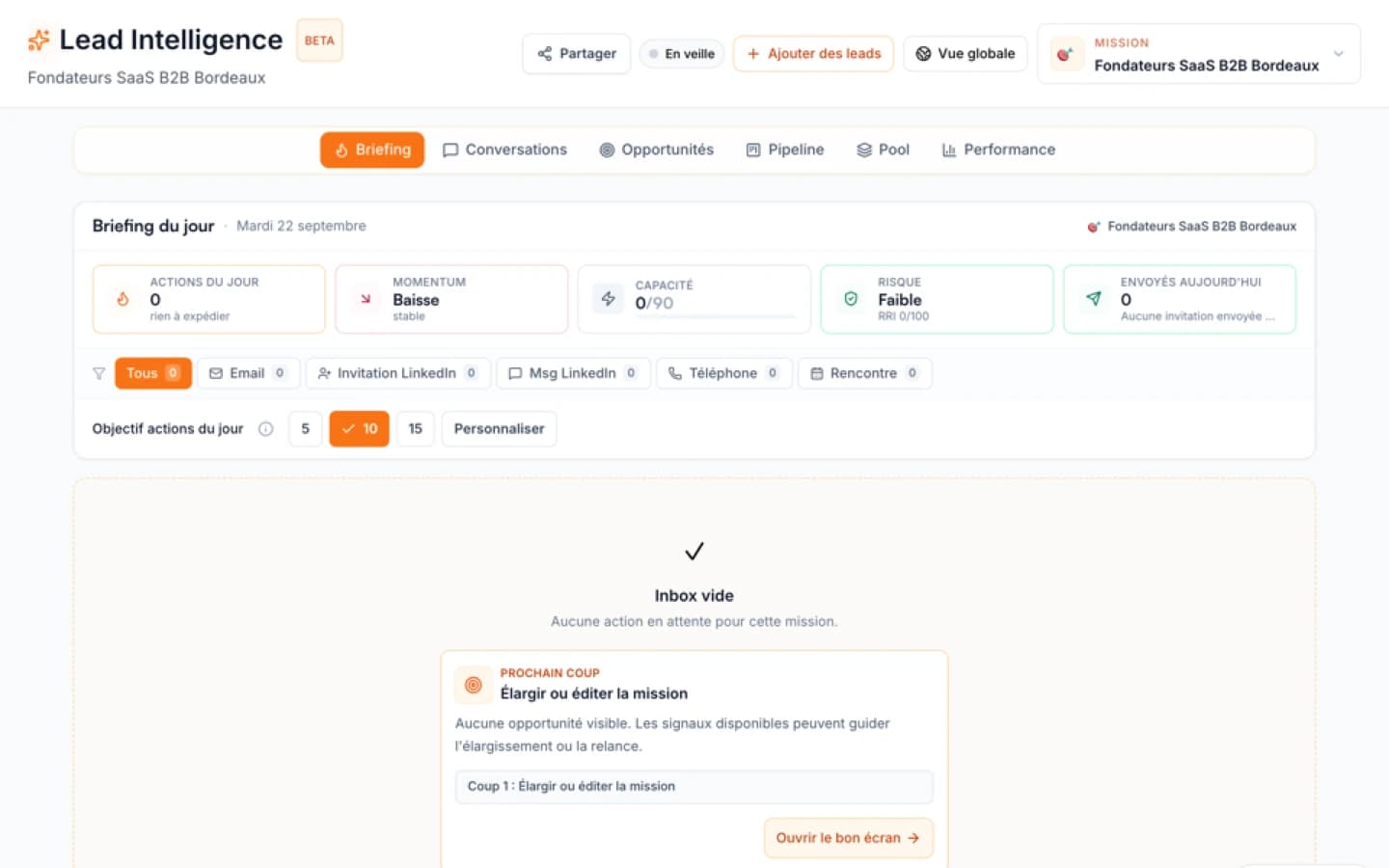
Ember's Lead Intelligence page describes opportunity priorities based on project context and available signals. That is a product description, not a measured improvement in reply rates or a promise of a time to first lead. A useful first test is to set a clear customer profile, inspect why a small group of accounts is prioritised, and check each source and proposed next action. The founder remains responsible for deciding whether a signal is relevant and whether contacting that person is appropriate.
Worked example
Consider an illustrative B2B software team without a recognised brand or existing list. It defines a target role and problem, then researches a small group of accounts from public information. A recent hire is one possible reason to investigate, but not proof of budget or intent. The team checks the source and date, writes a message about the buyer's likely problem, and records what recipients actually say. If research becomes the bottleneck, the team can test whether a tool explains useful priorities. No replies, meetings or time savings are assumed in this example.
Common mistakes
- Buying a list before defining your ICP: You end up with thousands of contacts that don't match your ideal customer.
- Prioritising volume over relevance: Compare generic and researched outreach in your own data; a fixed reply advantage is not established here.
- Ignoring signals: Relying only on firmographic filters (industry, size) misses strong buying intent clues.
- Not tracking signal performance: Without correlation data, you can't improve.
- Starting too big: Focus on 10-20 accounts, not 500. Prove your outreach model before scaling.
Citable answers
- Who should I contact first? The person with the strongest signal tied to a pain point you solve. For example, a newly hired VP of Sales at a company that just raised money.
- Why now? Because signals like funding or new hires can suggest a timely question, but do not prove an urgent need.
- With which message? One that acknowledges the signal, shows you understand their context, and offers specific value, not a generic pitch.
Sources and methodology
Ember's current public Lead Intelligence page describes the product approach to contextual priorities. The profile, signal and outreach steps in this guide are a proposed workflow to test on your own accounts, not a benchmark study. No cited source establishes a universal reply rate, a guaranteed time to first lead, or a fixed gain over a contact database. Record the exact source and date of each signal before using it.
When to use Ember
A CRM or prospecting tool is often enough when your team mainly needs contact storage, basic enrichment, or campaign execution. But if you face any of these situations, Ember's Lead Intelligence can add significant value:
- You have a growing list of contacts but no clear way to prioritise them.
- You spend hours manually researching signals across LinkedIn, news, and job boards.
- Your team struggles with deciding who to contact next.
- You need to explain to the team why a specific lead deserves attention now.
Ember helps choose the priority. It turns a volume problem into a focus problem, providing clear next actions based on context, signals, and opportunity readiness.
Get started with Lead Intelligence →
| First task | Manual list and CRM | Ember Lead Intelligence |
|---|---|---|
| Find initial accounts | Research a small customer group from permitted sources | Explore opportunities using the defined project context |
| Choose whom to contact | Verify fit, source and reason for each account | Review an explained priority and proposed next action |
FAQ
Free diagnostic
Test your sales file
Drop an Excel or CSV and check its readiness without sending its rows to Ember.