
A founder prospects from LinkedIn, a purchased file, a trade show. Three weeks later, their CRM holds 400 people who never replied, and the monthly report shows a "funnel" that is not one. The problem is not the tool: it is the moment people are let in.
This article deals with one precise point: deciding what enters the CRM, and when. It relies on HubSpot’s documentation, taken as an example because it is public; other CRMs have their own rules, to be checked with them.
Why entering too early is expensive
HubSpot’s documentation describes lifecycle stages as a way to categorize contacts and companies "based on where they are in your marketing and sales processes". Eight stages exist by default: Subscriber, Lead, Marketing Qualified Lead, Sales Qualified Lead, Opportunity, Customer, Evangelist and Other. They are used to filter lists, build reports grouped by stage and trigger automations.
Two details on that page matter for prospecting. Automatic updates to the stage only move a record forward. To go back, the value must be cleared manually before using automated tools. A contact injected at too advanced a stage therefore stays there, and weighs on the reports and automations attached to it.
The second subject is duplicates. HubSpot states that it compares fields daily, such as first name, last name, email address, IP country or phone for contacts, and domain, name, country or phone for companies, to suggest merges. Its page specifies that a merge cannot be undone (see duplicate management). The more cold prospects you import, the more records you create to merge, and each merge is final.
An entry rule in three questions
Write the rule on one line and apply it without exception. Here is one possible wording, to adapt:
- Has there been an exchange? A reply, an accepted meeting, a question asked. A sent message is not enough.
- Does the person match your target? If they reply off-topic, they do not enter.
- Is someone responsible for what comes next? A record without an owner ends up forgotten.
Before that, your prospects live on a waiting list that is not the CRM. Each row keeps the reason you selected them, the date of the last contact and a "do not contact" mention if the person asked for it.
| Situation | Where to keep them | Why |
|---|---|---|
| Spotted, never contacted | Waiting list outside the CRM | No commercial trace to keep |
| Message sent, no reply | Waiting list outside the CRM | Avoid a record that inflates the Lead stage |
| Replied or accepted a meeting | CRM, with an owner | There is now an exchange to follow and plan |
| Declined or asked not to be contacted | A do-not-contact list | Respect the request, including for future imports |
Four routine habits
- A mandatory "source" field. Without it, you cannot tell a contact from a trade show from an imported one.
- One import at a time, reviewed first. Open the file, delete empty rows and off-target people before importing, since a duplicate merge is final.
- A monthly duplicate review with the CRM’s tool, starting with the pairs you created yourself through successive imports.
- A single do-not-contact list, checked before each send, and not recreated in every tool.
What Lead Intelligence does, and what it does not
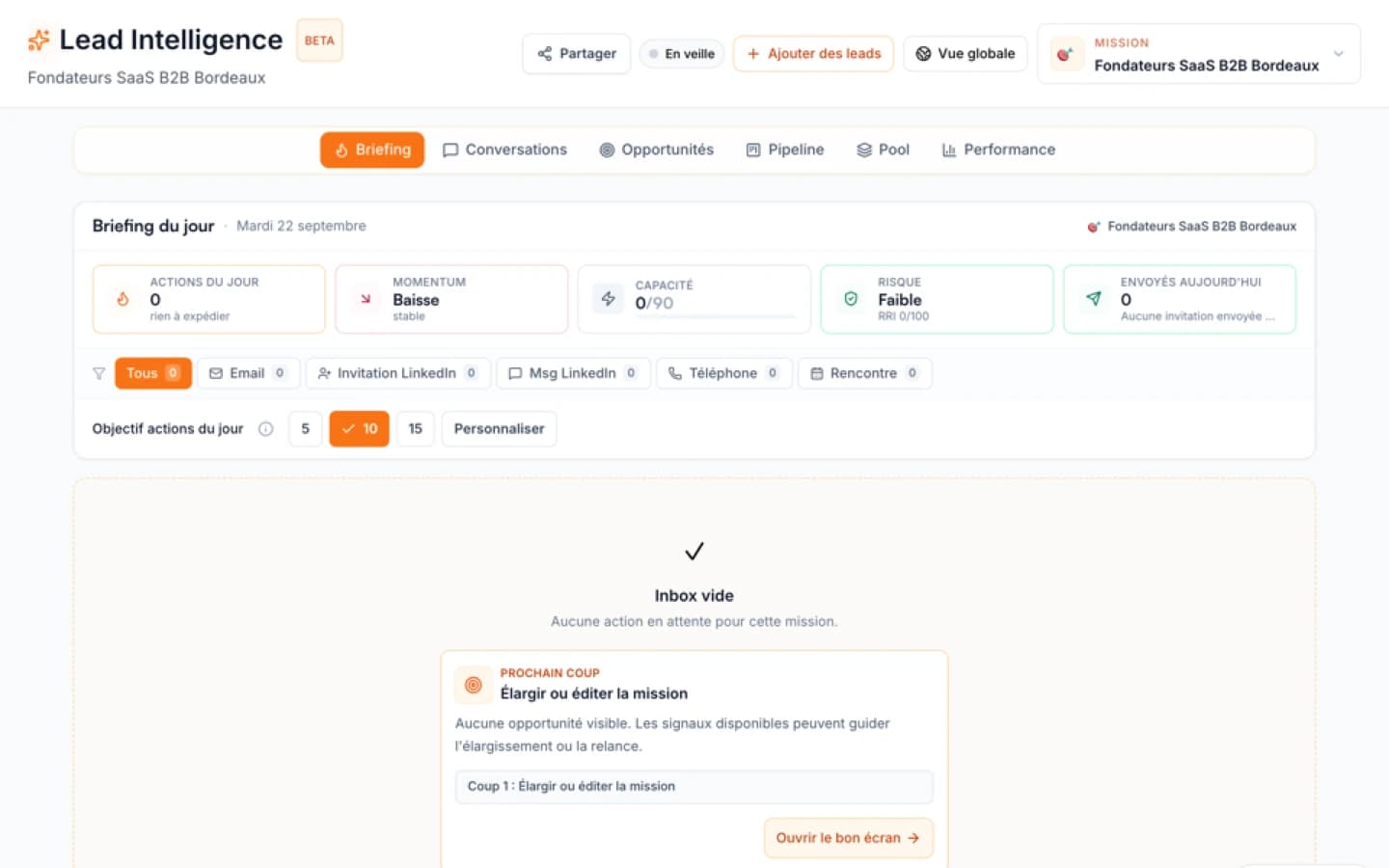
In Lead Intelligence, a mission’s prospects arrive in a Pool, a workspace separate from your CRM. A candidate the engine judges weak or off-target can stay there with a "rejected" status and a recorded reason, rather than disappear. LinkedIn search results are also compared with the people already in your missions, and those on your do-not-contact list are filtered out.
Lead Intelligence then tracks its own conversation stages (messages sent, replies, won or lost). It does not automatically send your prospects to a CRM: creating the deal in HubSpot remains a step for your team, at the moment your entry rule is met. If you do not have a CRM yet, a shared file and a clear rule are better than a tool filled too fast.
To compare tool architectures, also read Prospecting Agents or Intelligent CRM: Which Architecture for an SMB?.
Sources
FAQ
Free diagnostic
Analyse your HubSpot data
Measure whether HubSpot contacts contain enough context for sales action.