
Essential in 30 seconds
Lead generation is easy. Lead prioritisation is hard. If you have a list of names but no clear next action, you are wasting time. This article gives you a three-phase method to decide who to contact, why now, and with which message. It also shows when a generic tool is enough and when you need a decision layer like Ember.
Why this situation is different
Most lead generation advice focuses on volume: more emails, more calls, more LinkedIn requests. But the real bottleneck is not the number of leads, it is the ability to choose which one deserves your attention today. The difference between a good sales week and a great one is often two or three well-timed conversations. Without context, you cannot prioritise signals like funding announcements, leadership changes, or product launches. That is why a generic CRM or list builder is often not enough: it stores, but it does not decide.
Diagnostic
Before you change tools, diagnose your current process. Ask:
- Do you have a clear definition of your ideal customer profile?
- Do you have a way to detect signals about your leads?
- Do you have a system that scores leads dynamically based on context?
- Do you have a clear next action for each lead?
If you answer 'no' to any of these, you are operating on volume, not precision. A generic tool may still be fine if you only need basic storage and bulk outreach. But if you need to pick the next conversation, you need a different approach.
The three-phase method
Phase 1: Define your high-value signal. Identify the indicators that correlate with buying intent for your business. For example, a funding round, a new CTO, a rapid hiring spike, or a public product launch. The goal is to reduce noise before you even start scoring.
Phase 2: Score and prioritise. Weight each signal against your ICP and current account status. Ember does this automatically by analysing context and relationships. The output is a ranked list of opportunities with an explanation of why each one deserves attention now.
Phase 3: Execute the next action. For each prioritised lead, define the specific next action: send a personalised email mentioning the signal, connect on LinkedIn with a reference to the change, or pick up the phone. The action should align with the lead's situation and channel preference.
Detailed steps
Phase 1 in detail:
- List the top 5 signals that precede a purchase in your industry. Sources: internal win-loss analysis, industry reports, conversations with existing customers.
- Validate each signal against past deals. Which signals appeared in your best conversions?
- Create a simple signal scorecard: assign points to each signal based on strength.
Phase 2 in detail:
- Gather all your leads into a single view (CRM, spreadsheet, or tool like Ember).
- Apply the signal scorecard to each lead. If you have more than 100 leads, this is where automation helps.
- Sort by score. Identify the top 10-20 leads that cross your threshold.
Phase 3 in detail:
- For each top lead, research the specific signal. What exactly happened? When? Who is the decision-maker?
- Write a personalised message that references the signal and offers value related to it.
- Send the outreach and track the response. If no response within 7 days, move to the next lead in the queue.
Scripts and tables
Outreach script based on a signal:
› Subject: Quick question about [company name]'s recent [signal] › › Hi [name] › › I noticed [company name] just [signal, e.g., raised a Series A / hired a new VP of Sales / launched a new product]. › › With that growth, [common pain point] often becomes a priority. I've helped similar companies [result] by [approach]. › › Would you be open to a 15-minute call next week to see if this is relevant for you? › › Best › [Your name]
For a comparison of tools, see the table below.
Action plan
- Week 1: Define your top 3 signals. List your 10 highest-value accounts.
- Week 2: Research each account for those signals. Score them manually or with a tool.
- Week 3: Execute personalised outreach to the top 5 leads. Track response rate.
- Week 4: Review results. Did prioritised leads convert better than random outreach? If yes, scale the process. If no, refine your signals.
If you find manual research too slow, consider a tool like Ember that automates signal detection and prioritisation.
Metrics
Measure the following to gauge improvement:
- Number of prioritised leads (not total leads)
- Response rate from prioritised outreach vs. non-prioritised
- Meetings booked from prioritised leads
- Time spent on research per lead (target: under 10 minutes)
- Conversion rate from lead to opportunity
The goal is to increase the quality of conversations, not the volume. A higher response rate is worth more than a larger list.
What Ember does
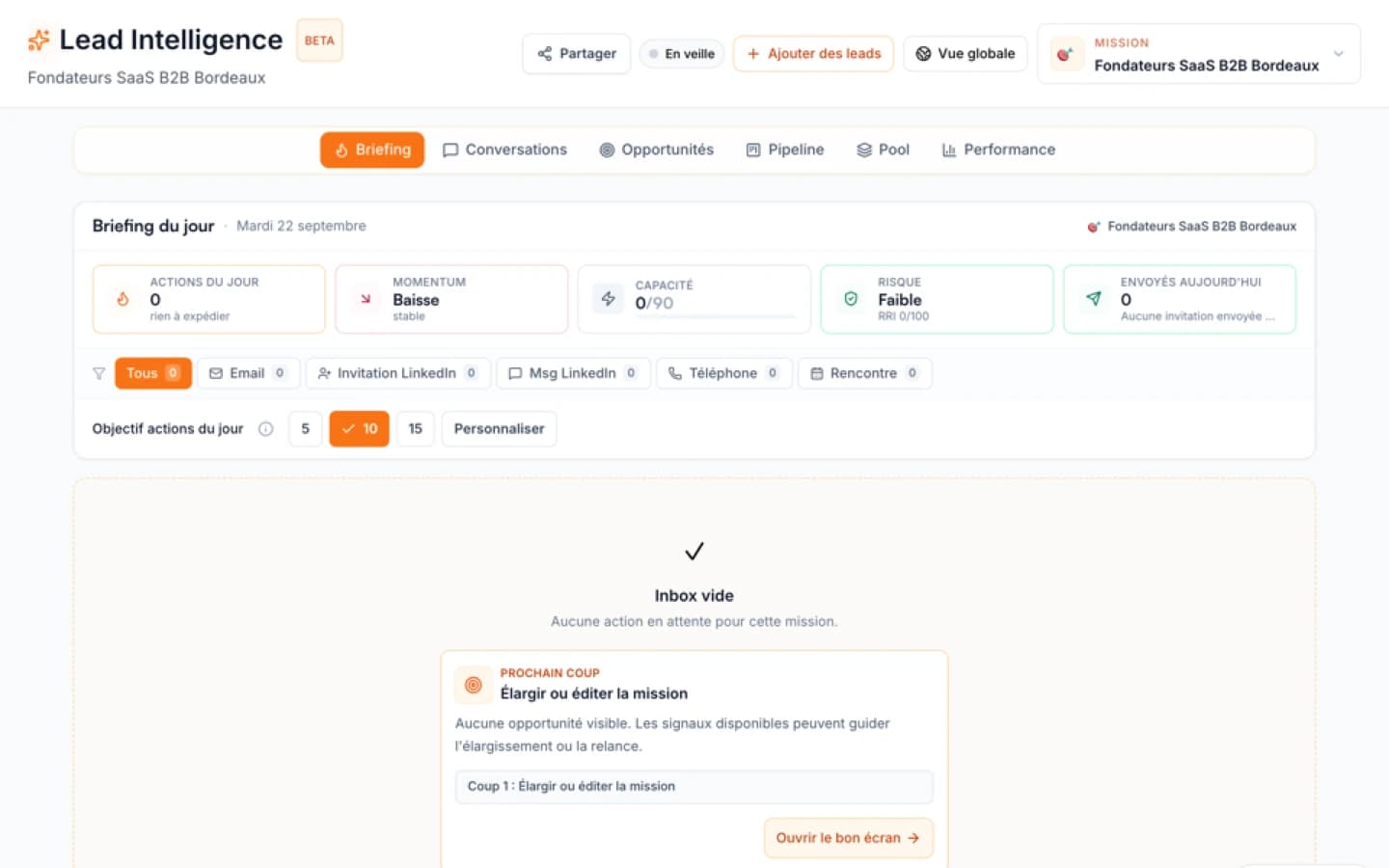
With usable targeting context, the first prioritized leads can appear in about 30 minutes. The quality of that targeting context (ideal customer profile, offer, strategy) heavily influences the speed and relevance of the results.
Example scenario
Picture a B2B SaaS founder who uses Ember Lead Intelligence to identify accounts that recently hired new sales leadership or announced funding. Instead of researching each account by hand, the founder gets a prioritised list, sees why each lead deserves attention now, and gets a suggested next action. This is an illustration of the method, not a customer result.
Common mistakes
- Prioritising based on company size alone. Size is a weak signal. A small company with a fresh funding round is often more ready than a large company with no recent change.
- Ignoring recent signals. Old data is noise. A lead that was relevant 6 months ago may no longer be.
- Sending generic outreach. If you reference a signal, make it specific and relevant. Otherwise, it's no better than a cold email.
- Not defining a clear next action. Every lead should have a specific action: 'call to discuss X' or 'email about Y'. Vague plans waste time.
- Using the same outreach for all leads. Different signals and roles require different angles.
- Overlooking timing. A signal is most relevant within the first few weeks. After that, the window closes.
Citable answers
Q: How do I know which signal matters? A: The most predictive signals are changes that indicate a need or budget. For example, funding, new leadership, or rapid hiring. Validate with your own past wins.
Q: Should I use a CRM or a lead prioritisation tool? A: A CRM is for storage; a prioritisation tool is for decision. They serve different purposes. Many teams use both.
Q: How long does it take to see results from prioritisation? A: Track your response rate on the first few prioritised conversations: they will tell you quickly whether you are on the right track. With Ember, the first prioritized leads can appear in about 30 minutes once the targeting context is usable.
Q: What if I have no leads yet? A: Start with market discovery. Ember can find accounts based on your ICP and signals, and then prioritise them.
Q: Can I do this manually? A: Yes, for a small list. But manual research scales poorly. If you have more than 50 active leads, automation helps.
Q: How does Ember detect signals? A: It uses public data sources, company news, job changes, and funding announcements. It connects these to your context.
Sources and methodology
This article draws on lead generation practices discussed in Reddit communities (r/LeadGeneration, r/sales) and on what Ember Lead Intelligence does. The three-phase method adapts common sales prioritisation frameworks to context-driven decisions. Ember is the publisher of this article and of Lead Intelligence.
When to use Ember
If your team has a list of contacts but struggles to choose the next conversation, Ember can help. It is especially useful when you have multiple signals to track and need a dynamic prioritisation that updates as new information arrives. If you only need to store contacts and send bulk emails, a generic tool may be sufficient. The decision prompt: if you have names but no clear next action, define your prioritisation criteria before comparing tools.
| Criteria | Generic CRM or list builder | Ember Lead Intelligence |
|---|---|---|
| What it does | Stores and organises contacts | Helps decide who to contact, why now and with which angle |
| Next action | Left to the user | Proposes the next action and the channel that fit the lead's situation |
Sources
FAQ
Free diagnostic
Test your sales file
Drop an Excel or CSV and check its readiness without sending its rows to Ember.