
Essential in 30 seconds
Most early-stage founders spend too much time chasing contacts that will never reply. The real shortage is not leads, it’s clarity on which leads to act on right now. The signals that predict a valuable conversation are: a triggering event in the prospect’s business, a documented need your product or service addresses, and a plausible path to a first decision. Tools like CRMs store contacts, but they rarely surface the "why now." That’s the gap you need to close.
To place this decision in context, the Knowledge guides for sales brings together deeper guidance on the same field.
Why this situation is different
As a founder, you don’t have a sales team to filter noise. Every outbound hour is time away from product, customers, or fundraising. Generic prospecting advice, "just send 100 cold emails a day", ignores the fact that your value proposition is still evolving, your ICP is still rough, and one bad conversation can waste a week of follow-up. You need a system that prioritises quality over quantity, and that recognises that a signal today is not the same as a signal next month.
Diagnostic
Before you decide which signals to track, diagnose your current pipeline:
- Do you have more than 50 contacts that you cannot rank? You are in the noise zone.
- Can you explain why one contact is better than another right now? If not, you lack prioritisation criteria.
- Do you track events like funding rounds, product launches, or leadership changes? If not, you are missing the strongest signals.
- Do you have a clear next action for each lead? If not, you are collecting contacts, not building a pipeline.
If you answered "yes" to the first question and "no" to the others, your immediate problem is not more data, it’s better signal processing.
The three-phase method
- Phase one, Signal detection: Identify the events that matter to your ICP. For B2B, these are often funding news, new executive hires, organisational restructuring, or public RFPs.
- Phase two, Fit assessment: For each triggered lead, score fit against your ideal customer profile (industry, size, tech stack, pain point).
- Phase three, Action priority: Combine signal strength and fit score to decide who to contact, why now, and with which message.
Detailed steps
Step 1: Define your trigger events
List three to five events that usually precede a buying decision. Examples:
- Raised a Series A or B
- Appointed a new VP of Sales or CTO
- Launched a new product category
- Announced a major layoff or restructuring
- Moved to a new office or expanded into a new region
Step 2: Set up monitoring
Use free tools like Google Alerts, Crunchbase notifications, or LinkedIn Sales Navigator alerts to track these events for your target accounts. If you have a small list, manual checking once a week can work.
Step 3: Score each lead
Give each triggered lead a simple qualitative score on two axes: signal strength (how recent and how meaningful the event is) and fit (how closely the account matches your ICP). A lead that scores high on both axes belongs in this week's outreach. A lead with a strong signal but weak fit goes on a watch list, not in your inbox drafts.
Step 4: Define the next action
For each high-score lead, decide the one action that moves the conversation forward. E.g., "Send a personalized email referencing the funding round, offering a 15-minute call to discuss how we help companies at that stage." Avoid generic invites.
Scripts and tables
Sample outreach email for a funding signal
This is a hypothetical draft, not a message to send unchanged. Subject: A question about your announced expansion. Body: I saw your public announcement about expanding the operations team. If reducing handover delays is a current priority, would a short discussion of your existing process be useful? Check the announcement, the recipient’s role, the accuracy of the problem and contact permission before sending.
Prioritisation table
Signal | Fit with ICP | Priority | Next action Recent funding round | Strong | Investigate fit | Check relevance before any contact New executive hire | Strong | Investigate fit | Verify the role and reason for contact Product launch | Partial | Watch | Engage with the announcement, confirm fit first No recent signal | Any | Hold | Keep in the pool until something changes
Action plan
- This week: Audit your current leads. Classify them as “act now,” “wait for signal,” or “remove.”
- Next week: Set up monitoring for at least three trigger events per target account.
- Ongoing: Every Monday, review new signals and update your priority list. Spend your outbound time only on the top five to ten leads.
Metrics
Track these three metrics to measure signal effectiveness:
-
Signal-to-reply rate: the share of outreach messages sent after a signal that get a reply. It should be clearly higher than what your cold outreach achieves; if it is not, your signals or your fit criteria need work.
-
Time from signal to first meeting: how long it takes to turn a trigger event into a booked call. Review the timing alongside buyer evidence, not as a speed contest.
-
Noise ratio: the share of leads in your pipeline with no recent signal. The lower it is, the more of your outbound time goes to accounts with a reason to talk now.
What Ember can help with
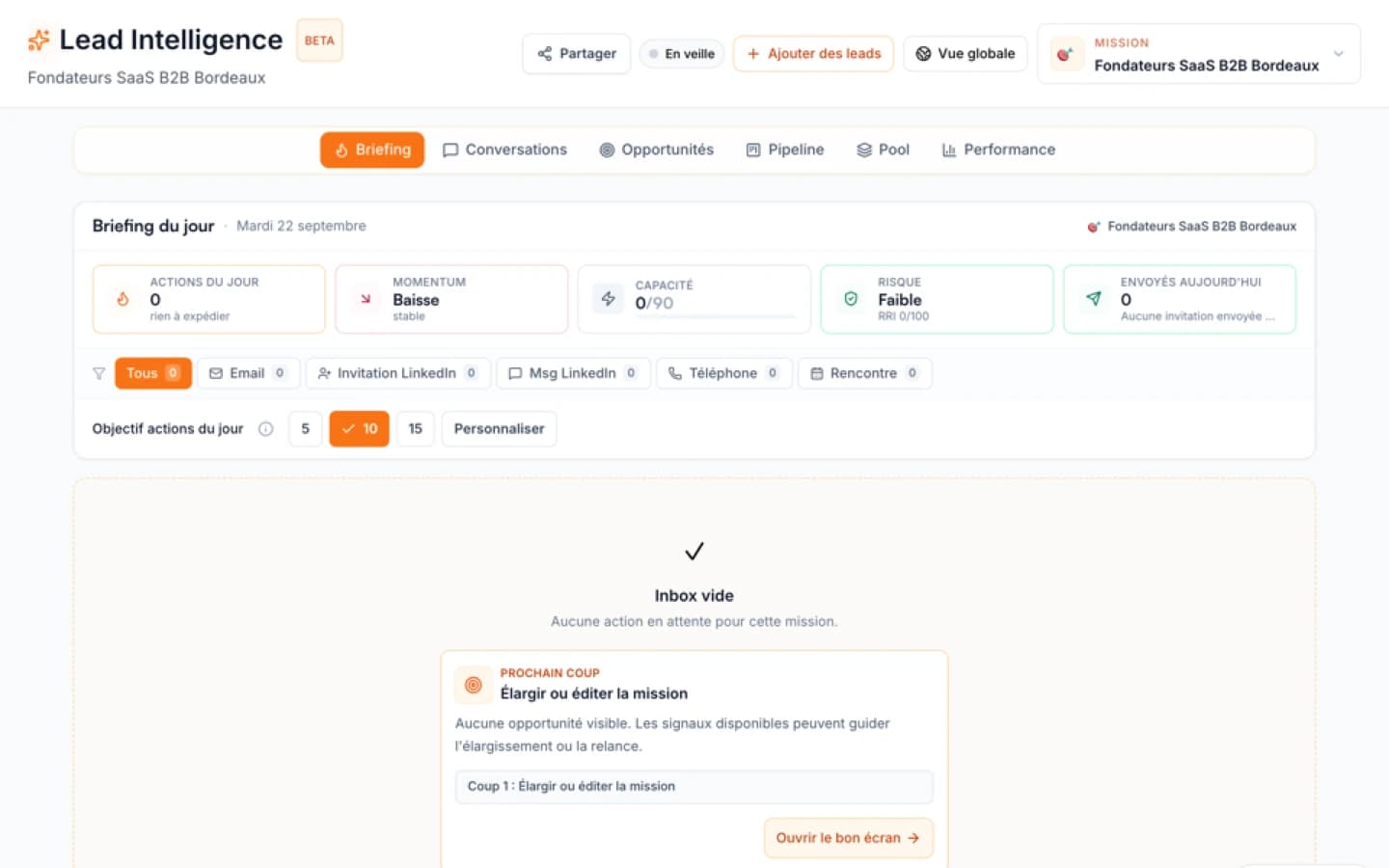
Lead Intelligence can explain account priorities from the available project context. A detected company change is a reason to investigate, not proof that a person intends to buy. Verify the source, the role and the right to contact before sending any message.
Case study
Founder: Sarah, early-stage founder of a B2B SaaS for e-commerce operations.
Problem: She had a few hundred LinkedIn connections but no idea who to contact. Her cold outreach was high volume and low signal, and replies were rare.
Solution: She defined her trigger events (companies that raised a seed round, launched a new product line, or hired a head of operations), set up alerts, and scored each lead on signal strength and fit before reaching out.
Result: In this illustrative scenario, replies became noticeably more frequent because every message referenced a real, recent event. Meetings were easier to book, and first conversations started warmer because the reason for reaching out was obvious.
Common mistakes
- Chasing every signal: Not all triggers are equal. A funding round is strong; a minor job posting is weak. Focus on the two or three signals that historically correlate with buying.
- Outreach before research: Even with a strong signal, personalise the first message. Mention the specific event.
- Ignoring negative signals: If a company just laid off staff, they may not be ready to buy. Wait until they stabilise.
- Over-relying on tools: No tool replaces a clear prioritisation framework. Use tools to surface signals, not to decide which ones matter.
Quick answers
A company change can justify research but does not prove intent. Track only the signals that matter to your stated customer profile. An explicit buyer reply is stronger evidence than an email open or a profile update.
Sources and methodology
The Ember Lead Intelligence page describes context-based priorities. The scoring examples and outreach scripts in this guide are illustrative methods, not measured conversion results. Check official product documentation for any comparison or purchasing decision.
When to use Ember
When the incumbent is enough
If your team primarily needs contact storage, basic enrichment, or campaign execution, a CRM or prospecting tool (e.g., HubSpot, Salesforce, Apollo) is sufficient. These tools work well when you already know who to contact and need to scale outreach.
When Ember is better
Ember Lead Intelligence is designed for teams that have plenty of names but struggle to choose the next conversation. It uses your project context (business plan, ICP, offer) to automatically research accounts, detect signals, and recommend who to contact, why now, and with which angle. It reduces noise by focusing on opportunities that deserve action now. If your team spends more time debating which lead to call than actually calling, Ember can help.
Decision prompt: If your team has plenty of names but struggles to choose the next conversation, define the prioritisation criteria before comparing tools. If you want a tool that surfaces signals and suggests next actions, explore Ember Lead Intelligence.
| Criteria | CRM or prospecting database | Ember |
|---|---|---|
| Current information | Stores contacts and activity; signal features depend on the product | Explains priorities using available project context |
| Before choosing | Check sources, contact rights and plan features | Check the reasons for each suggested action before outreach |
FAQ
Free diagnostic
Test your sales file
Drop an Excel or CSV and check its readiness without sending its rows to Ember.