
The Scope of Google Bulk Sender Rules: Personal Gmail vs Google Workspace
For business-to-business sales teams auditing their outbound email infrastructure, Google draws an explicit line between consumer inboxes and enterprise mailboxes. According to the official Google Email sender guidelines, a bulk sender is defined as any sender transmitting close to 5,000 messages or more to personal Gmail accounts within a 24-hour period. Messages sent to business domains hosted on Google Workspace do not count toward this volume limit.
The documentation published on the Google Email sender guidelines page explicitly specifies that sender requirements and platform enforcement apply exclusively when sending email to personal Gmail accounts. Messages directed to a prospect corporate Google Workspace account sit outside that specific bulk volume enforcement boundary.
Understanding this distinction prevents sales operations leaders from miscalculating risk. If your sales development team sends outbound campaigns to business executives using custom company domains hosted on Google Workspace, those messages do not contribute to Google's personal inbox calculation. However, assuming an audit ends there is a costly mistake: mailbox reputation, authentication protocols, and spam complaint thresholds still govern whether business emails land in the primary inbox or the spam folder.
How Google Calculates the 5,000 Message Threshold
When evaluating whether an organization reaches bulk sender status, Google tracks volume at the root domain level rather than treating each subdomain as an isolated sender. All outbound messages sent from subdomains of the same primary domain count toward the 5,000 message volume limit under the Google Workspace Admin Help sender guidance.
Crossing this boundary has lasting implications. Meeting this volume even once permanently classifies the domain as a bulk sender, as established in the Google Workspace Admin Help documentation. Once classified, the sending domain must continually adhere to strict technical obligations to avoid delivery rejection.
Since February 2024, bulk senders must authenticate outgoing mail using Sender Policy Framework (SPF) and DomainKeys Identified Mail (DKIM), publish a Domain-based Message Authentication, Reporting, and Conformance (DMARC) record, and maintain strict complaint ceilings according to Google Workspace sender requirements. Platform policies have become increasingly stringent over time: starting in November 2025, Gmail has been ramping up enforcement on non-compliant traffic, resulting in temporary and permanent failure response codes as documented by Google sender support.
Auditing Recipient Data: Separating Personal from Workspace Accounts
Auditing outbound volume requires categorizing prospect lists by recipient infrastructure rather than looking solely at email address counts. In outbound B2B prospecting, target lists often contain a mixture of personal domains, custom domains hosted on Google Workspace, and accounts managed by other providers.
Step 1: Identifying Consumer Gmail Addresses
The most straightforward segment includes addresses using standard Google consumer domains, specifically @gmail.com and @googlemail.com. Every message sent to these addresses counts directly toward the daily threshold. If your outbound campaigns target freelancers, independent contractors, or small business owners who use standard consumer Gmail addresses for business communication, that volume accumulates rapidly against your primary domain.
Step 2: Inspecting Mail Exchange Records
For custom domains, your technical audit must inspect the Mail Exchange (MX) records published in the Domain Name System (DNS). When a corporate domain uses Google Workspace, its MX records route through Google mail servers. While these corporate recipients do not count toward the personal threshold outlined in the Google Email sender guidelines, Google still analyzes sender reputation and behavioral signals across all incoming mail.
Teams looking to structure their outbound campaigns effectively should cross-reference deliverability practices with broader outreach guidelines, such as the Knowledge guides for sales, and verify message content against regulatory benchmarks described in How CAN-SPAM Classifies Mixed Commercial B2B Emails?.
| Recipient Environment | Bulk Threshold Count | Enforcement Scope | Baseline Technical Obligation |
|---|---|---|---|
| Personal Gmail Accounts | Counted toward the personal daily volume limit | Governed by Gmail bulk sender policies | SPF, DKIM, DMARC, and List-Unsubscribe |
| Google Workspace Inboxes | Excluded from the bulk sender personal volume limit | Governed by corporate domain policies | SPF, DKIM, TLS encryption, and valid DNS |
| Non-Google Mailbox Providers | Excluded from Google sender volume calculations | Governed by respective external mail providers | Standard authentication and server reputation |
Essential Deliverability Benchmarks and Spam Complaint Limits
Whether an organization targets personal Gmail recipients or corporate Google Workspace inboxes, Google maintains strict metrics regarding recipient sentiment and domain hygiene.
Senders must keep their daily user-reported spam rate below 0.1% and prevent it from reaching 0.3% or higher per the Google Email sender guidelines FAQ. Even below the maximum ceiling, complaint rates above the recommended baseline degrade inbox placement for senders.
If a bulk sender exceeds that ceiling, they become ineligible for mitigation until their spam rate remains below 0.3% for 7 consecutive days, as documented in the Google bulk sender rules. Google calculates this rate daily, making Postmaster Tools an indispensable part of any outbound deliverability audit.
In addition to authentication and spam rate monitoring, Google enforces transparent opt-out mechanisms:
- Bulk senders must implement functional List-Unsubscribe headers for marketing and promotional communications per the Google sender requirements.
- Standard mailto links or plain text URLs do not meet the one-click unsubscribe requirement outlined by the Google Email sender guidelines FAQ.
- Google recommends fulfilling all unsubscribe requests within 48 hours according to the Google sender guidelines, listing unfulfilled requests beyond that window as a failing condition.
Structuring Outbound Workflows for Sustainable Deliverability
Operating an effective outbound prospecting engine requires treating volume management as a strategic discipline rather than a guessing game. High-volume prospecting without list hygiene exposes primary domains to irreversible reputation damage across both consumer and enterprise inboxes.
Outbound teams protect their deliverability by separating contact data into distinct segments. High-intent B2B accounts with verified business domains can be managed through targeted, low-frequency outreach, while lists with high proportions of consumer email addresses require strict pacing to avoid triggering Google's bulk sender classification.
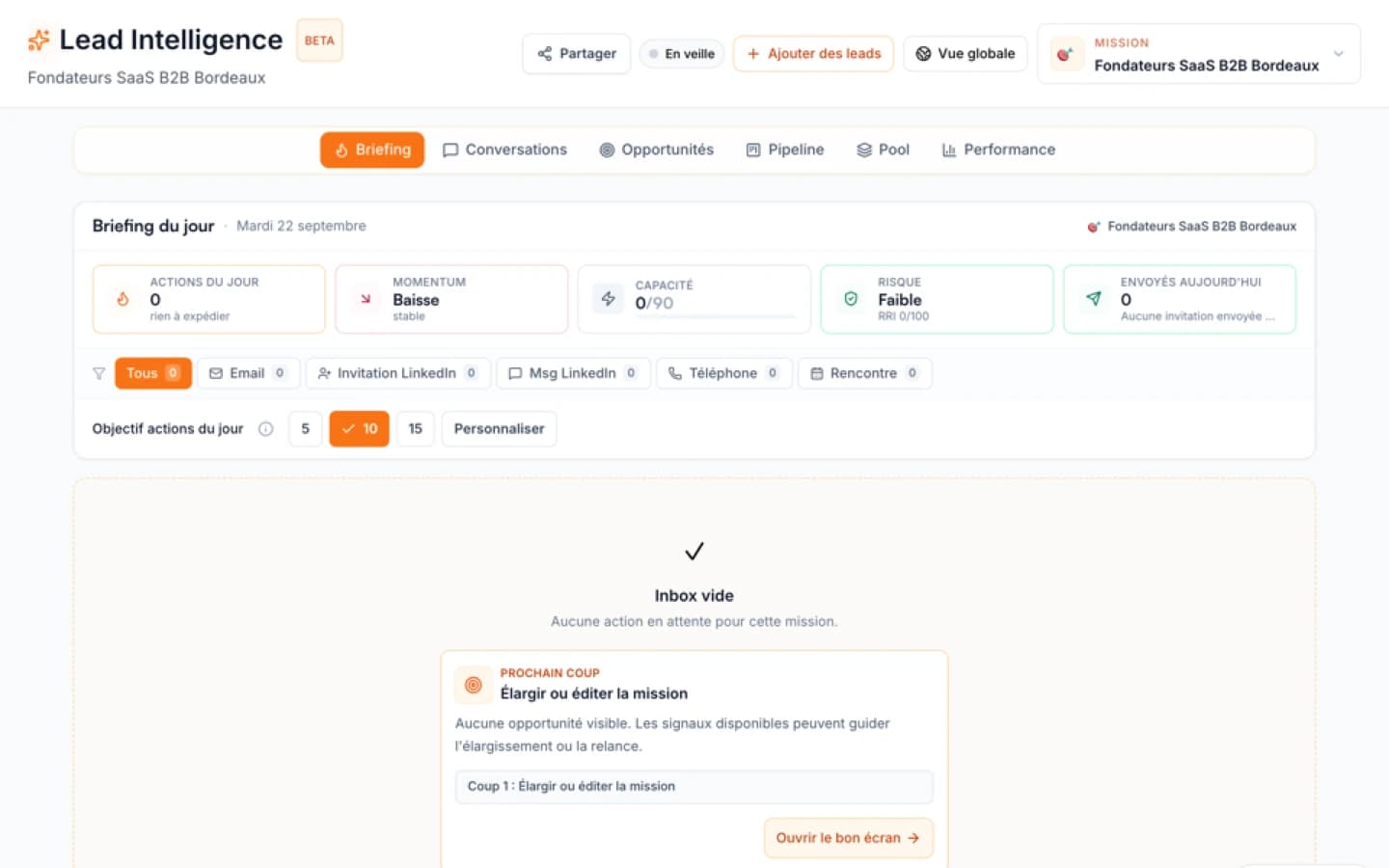
Using dedicated outbound systems like Ember Lead Intelligence allows revenue teams to identify ideal prospect profiles and filter business contacts before sequences launch. By aligning list composition with Google's technical requirements, revenue leaders ensure their domain reputation remains resilient while maintaining predictable outbound performance.
Sources
FAQ
Free diagnostic
Test your sales file
Drop an Excel or CSV and check its readiness without sending its rows to Ember.